A shared list for ordinary shopping
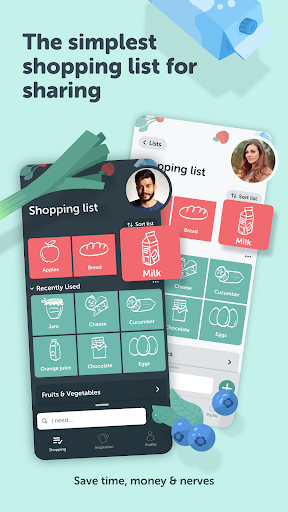
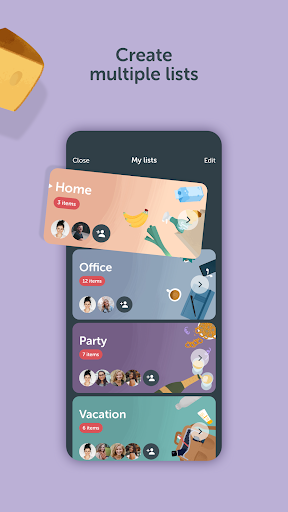
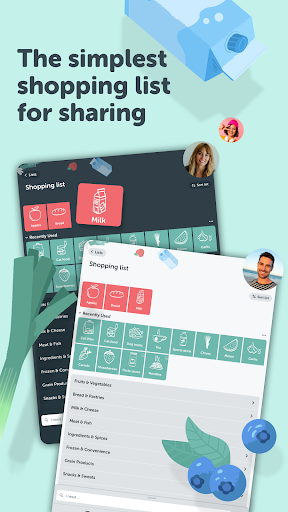
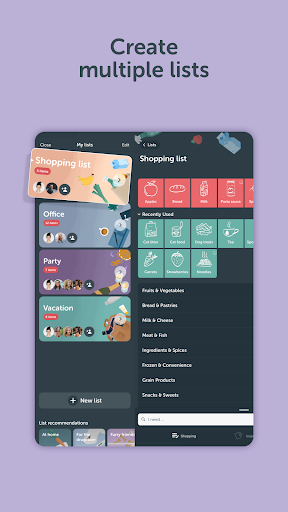
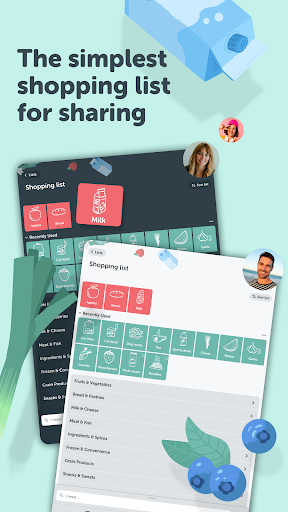
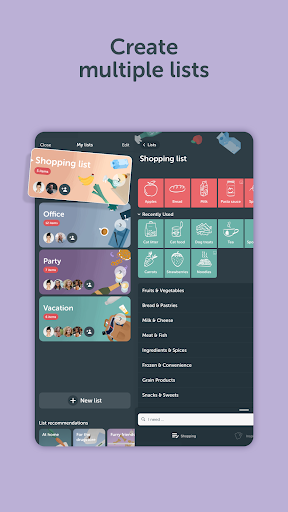
Bring! Grocery Shopping List is for people who want to plan food shopping on a phone, alone or with others. You can create grocery lists, add items as they come to mind, and share a list with household members, roommates or colleagues. Changes are shared, which can help a group avoid buying the same thing twice or missing an item someone added.
How it can fit your routine
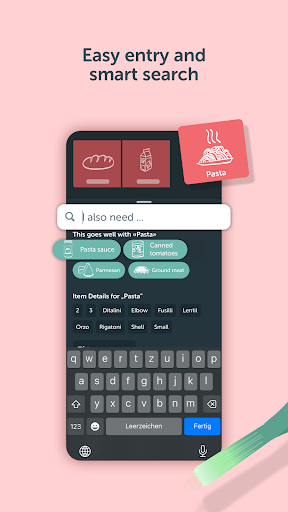
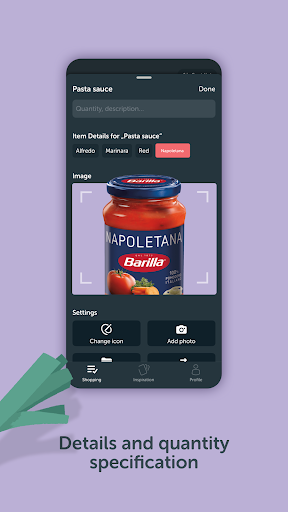
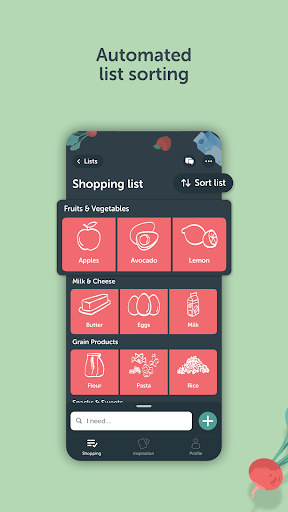
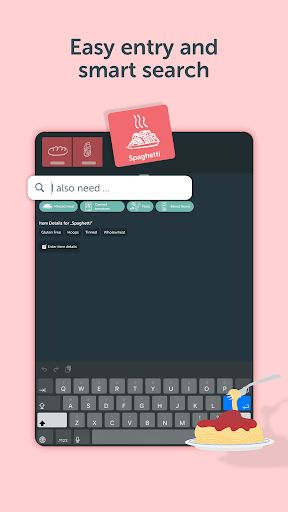
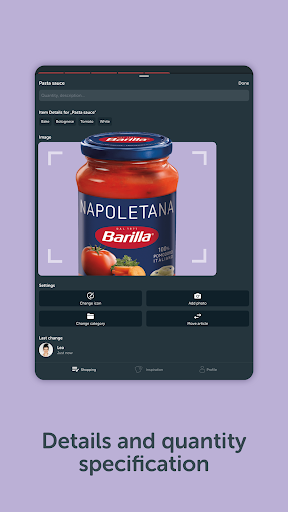
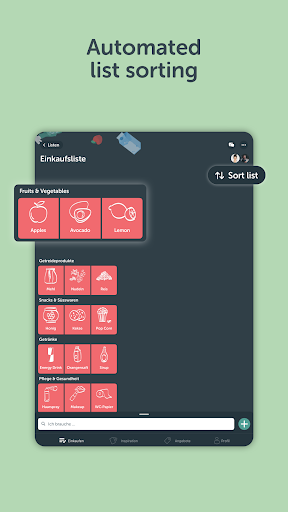
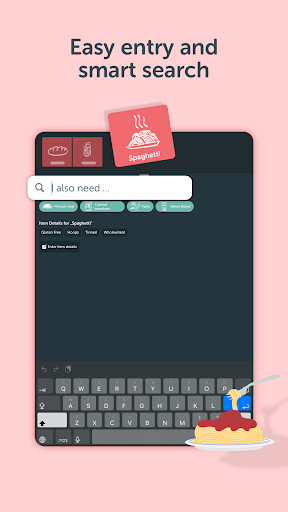
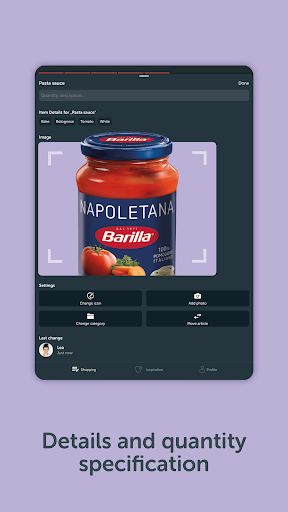
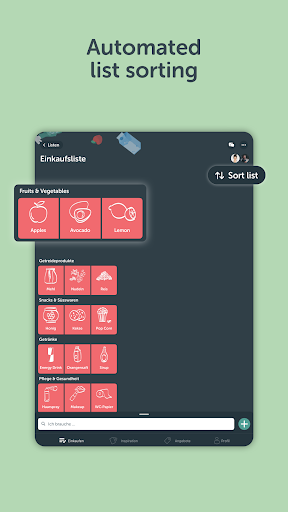
Items can include quantities, notes and photos, useful when “milk” or “the usual one” is not specific enough. The app groups items into categories, and those categories can be adjusted to suit a store’s layout. Search can suggest items as you type; the supplied description also says you can add items by voice. These features may save time, but a simple paper list may be enough if you shop alone and rarely need to update it on the go.
More than a list
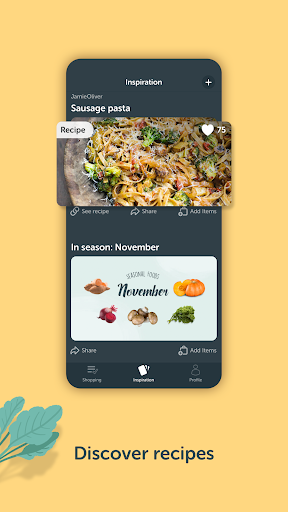
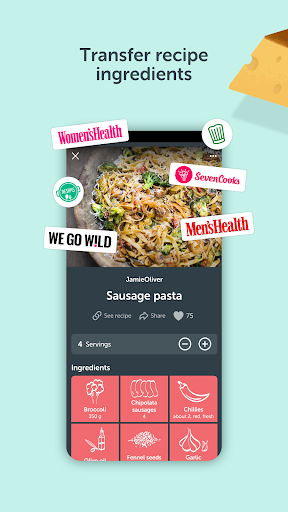
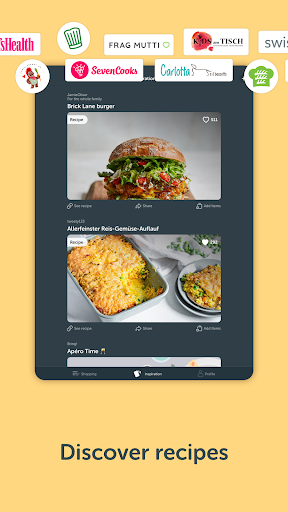
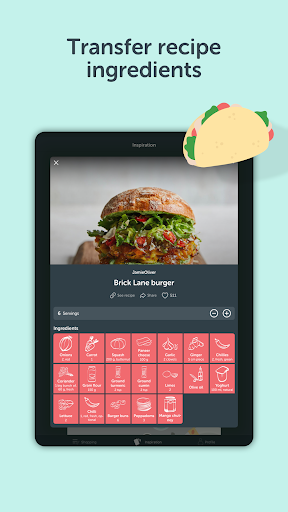
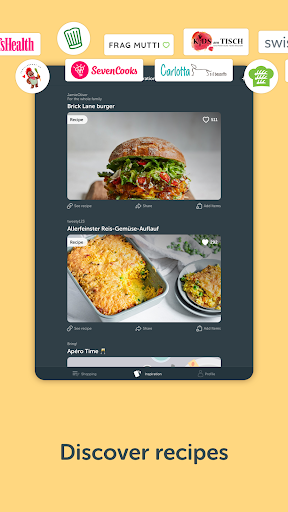
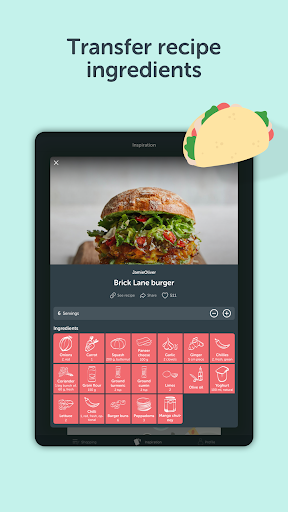
Bring! also includes recipes, lets you save favourites, and can transfer ingredients from online recipes into a shopping list. It offers store promotions and seasonal food suggestions as well. Those extras may be useful if you want shopping and meal planning together; they are not essential to making a basic list. Consider whether you want those additional features before giving the app a place on your phone.
Before you decide
Bring! is published by Bring! Labs AG and is listed in the Shopping category. Its rating is 4.08 out of 5 from 144,532 ratings, with 10,000,000+ installs. Those figures show broad use, but cannot tell you whether its features suit your household. If you try it, notice what access it requests and whether you are comfortable with that. You can also ask whether everyone sharing the list is willing to use an app, and whether you could return to a paper list without losing anything important.