Watch and review camera footage
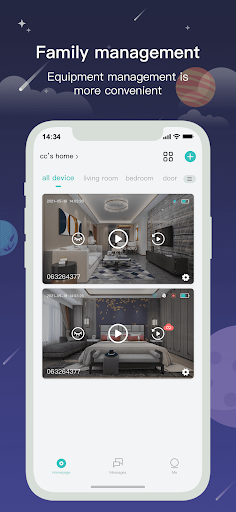
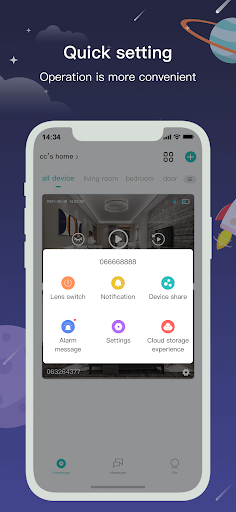
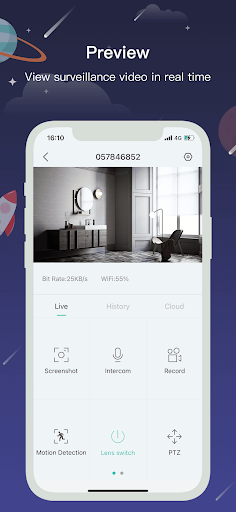
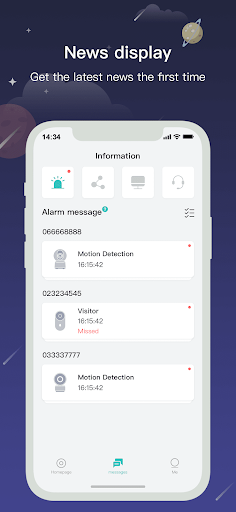
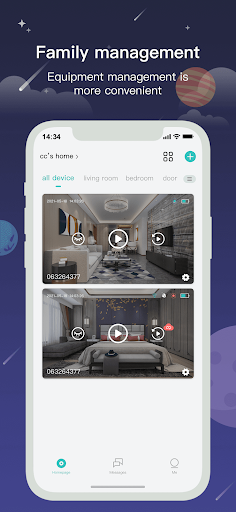
CloudEdge is a lifestyle app for people who use a compatible CloudEdge camera or alarm system and want to check its video from a phone. Its stated functions include viewing a live feed, looking back at recorded images or footage, receiving time and message reminders, and sharing video or images. It may suit someone who wants remote access to a camera, but it is less useful if you do not have equipment that works with the app.
Decide whether remote monitoring is for you
Before adding another app, consider what you expect to check and how often. If you only need occasional access to a camera, ask whether its existing controls are enough. If you want alerts when motion is detected, think about whether notifications will be useful or distracting, and whether you will be able to respond when one arrives. The app describes alerts as part of an alarm system; that is not a guarantee that every event will be detected or that a message will arrive in time.
Think about access and sharing
Live video and saved footage can show private spaces and the people in them. Before using CloudEdge, check which phone permissions it requests and whether they make sense for the features you plan to use. Find out who can view the camera, how footage is stored, and what happens when you share a clip or image. Those details matter especially if the camera covers a shared home or workplace. If you stop using the app, consider how to remove access from both the phone and any linked camera account.
Who is behind it
CloudEdge is published by Hangzhou Meari Technology Co., Ltd. It has a 4.33 out of 5 rating from about 91,891 ratings and more than 1,000,000 installs. Those figures show that many people have used it, but they do not tell you whether its privacy practices or camera support match your needs. Check the app’s current details and your camera’s requirements before deciding.