Check which apps have updates
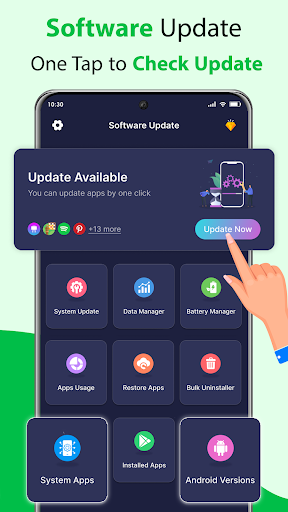
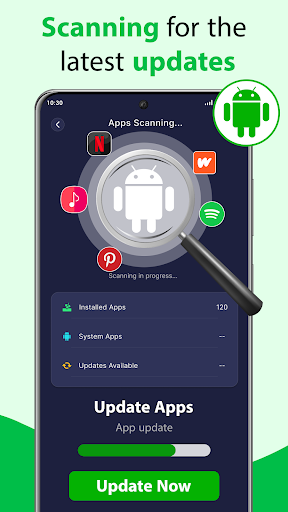
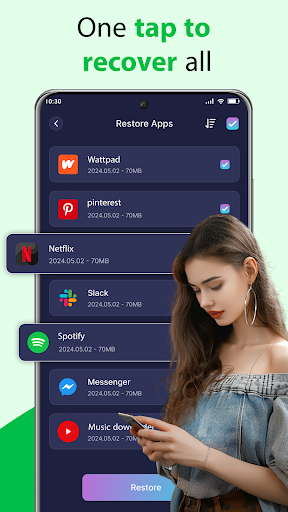
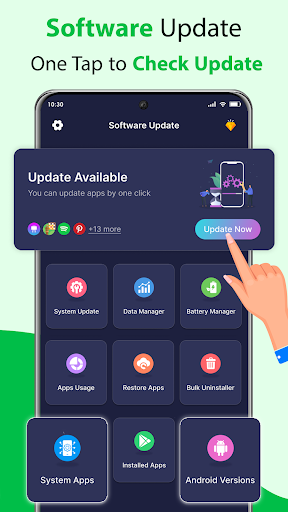
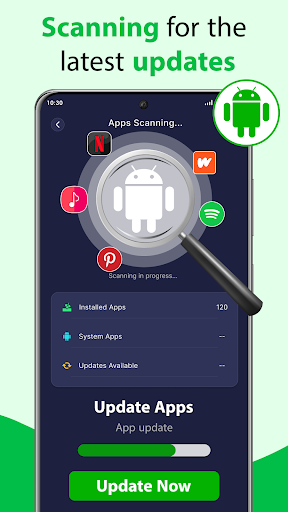
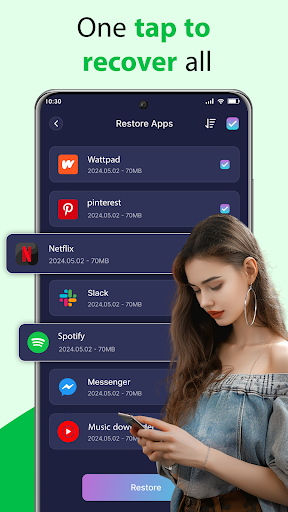
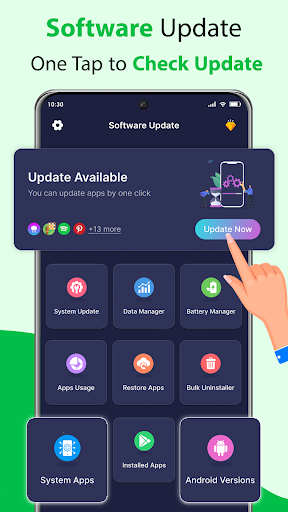
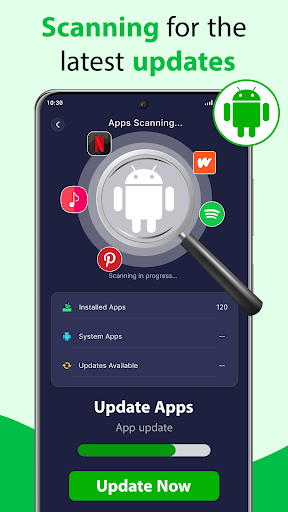
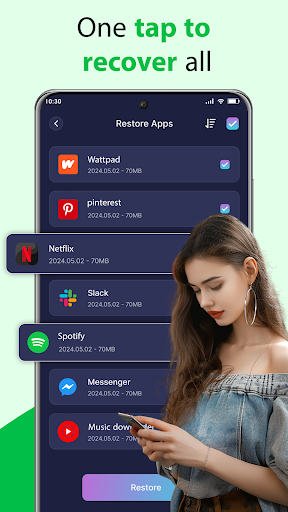
Software Update: App Update scans installed apps and games for available updates, then gathers the results in one place. It is for people who want a quick way to see what may need attention, rather than checking each app separately. The tool points you to Google Play to update apps; it does not replace the app store.
Look beyond the update list
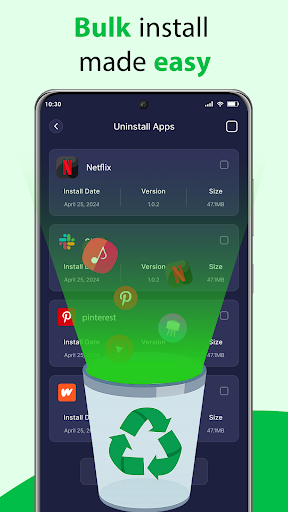
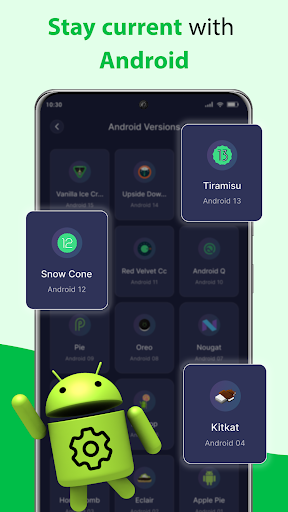
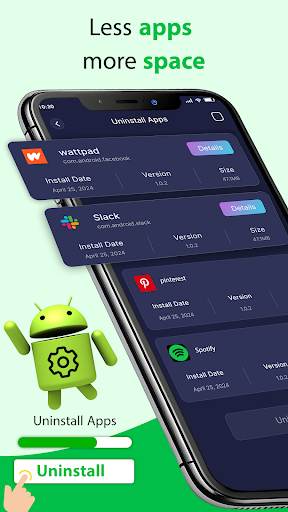
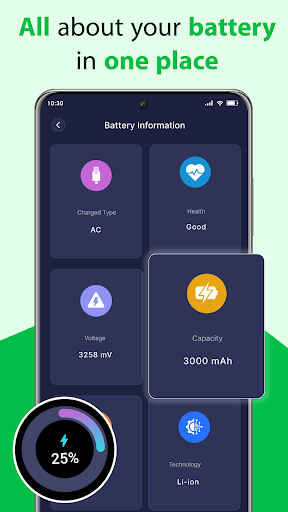
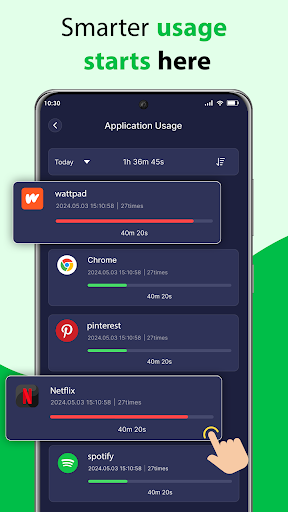
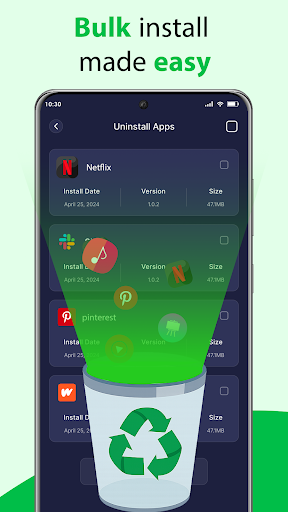
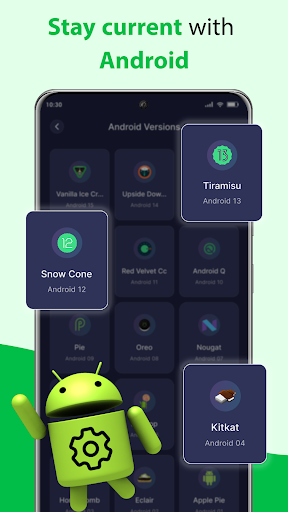
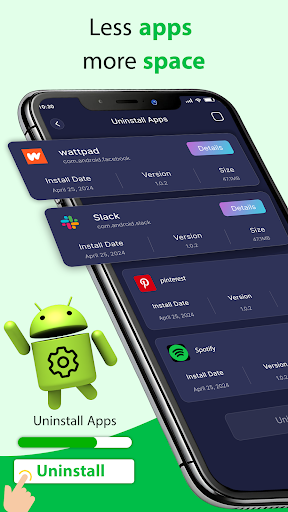
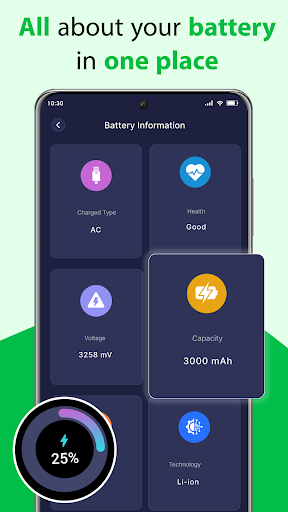
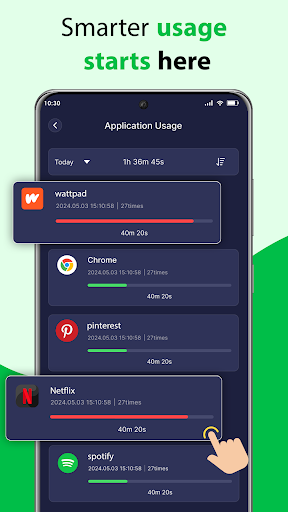
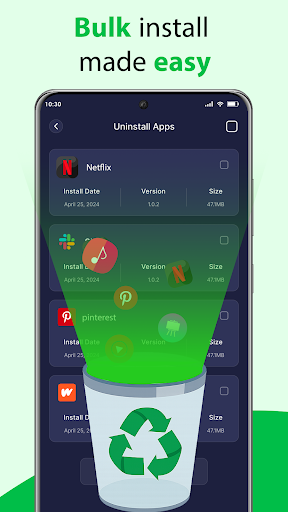
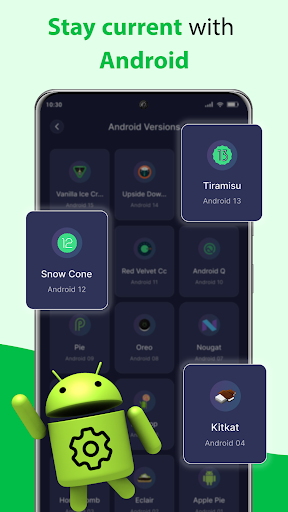
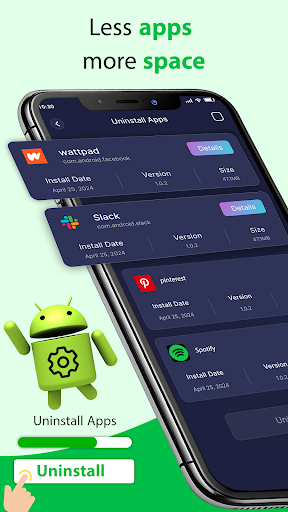
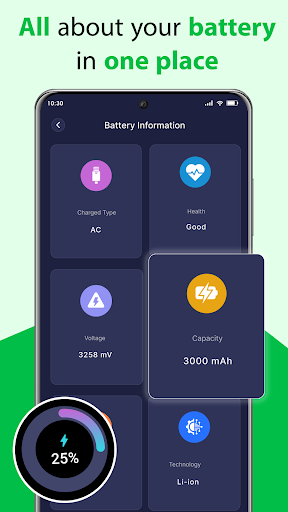
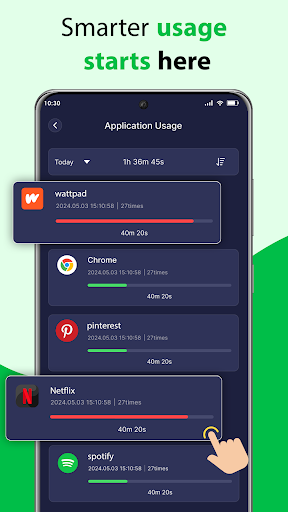
The app also provides a view of installed apps, including app usage information, and lets you select user-installed apps to uninstall. System apps cannot be removed through this feature. Device details include information such as the phone model and Android version. Battery information is also listed among its tools.
These extras may be useful if you are reviewing what is on your phone, but consider whether you need them before adding another utility. If your device already makes app updates easy to check, a separate scanner may not add much.
Questions to consider
- What does it check? It looks for available updates to installed apps and games, and displays device and app information.
- What does it change? Updates are handled through Google Play. Uninstalling is limited to user apps; system apps are not removable here.
- Who makes it? The listed developer is Squad Apps Studio. The app has 5,000,000+ installs and a rating of about 4.1 from 132,378 ratings.
- Can you leave it behind? It is a utility, not a required part of Android. If you stop using its update list or management tools, you can decide whether to keep it.
Decide at your own pace
A large install count and many ratings indicate that plenty of people have tried the app, but they do not tell you whether its tools suit your needs. Check the requested access on your device and weigh that against the features you expect to use. If all you want is to update apps, your existing store may already be enough.