
Advertisement
Click to download now, finish the installation quickly, and directly unlock the all-round experience
Advertisement
Screenshots
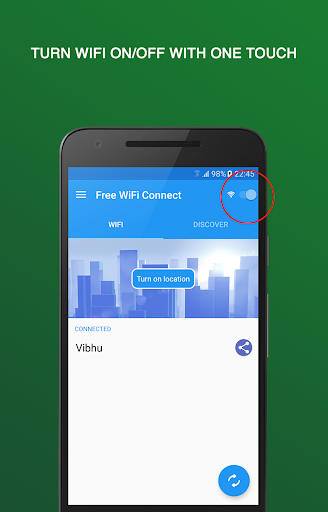
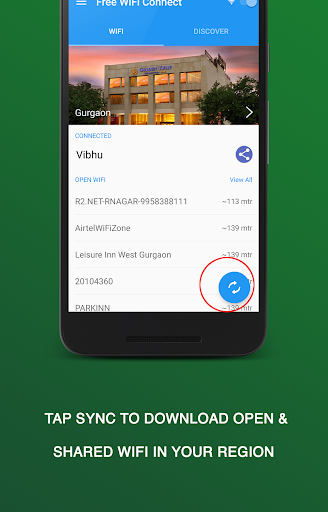
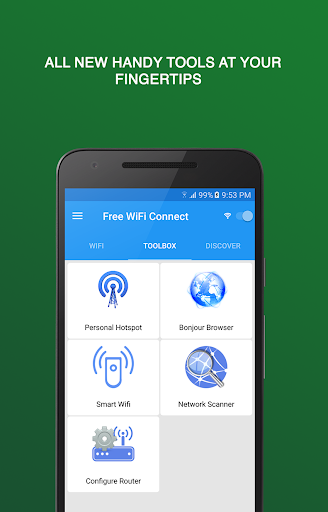
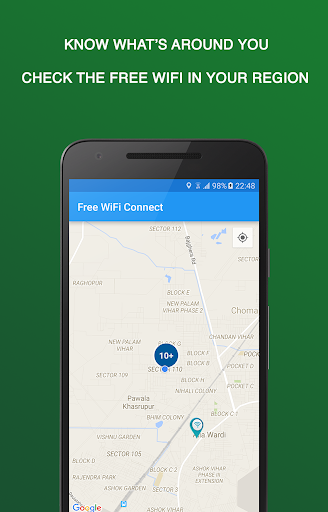
Click to download now, finish the installation quickly, and directly unlock the all-round experience
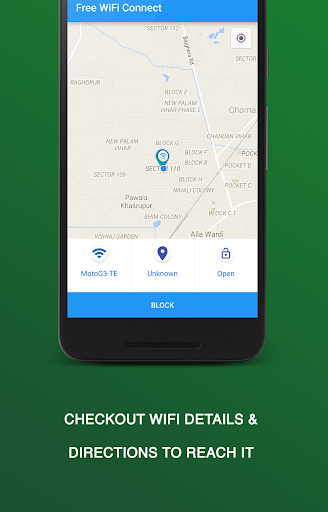
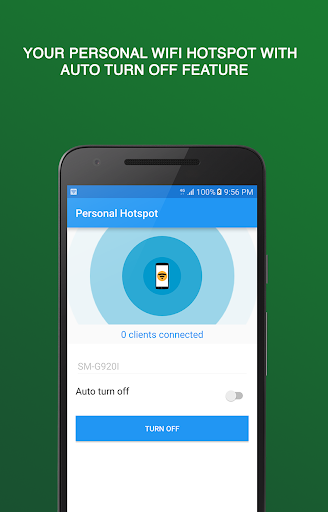
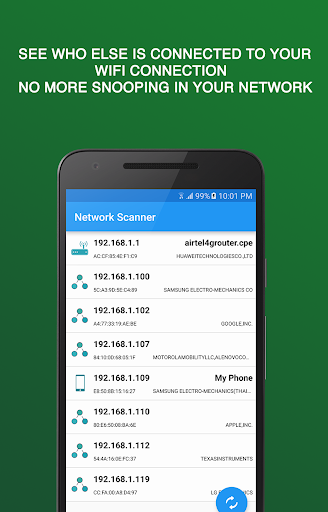
Wifi Scout and Connect scans for nearby Wi-Fi networks and can help you connect to open networks or networks with community-shared passwords. It is intended for people who often use Wi-Fi away from home and want tools for choosing and managing networks in one place. The app is published by Mentisco and is listed in Communication.
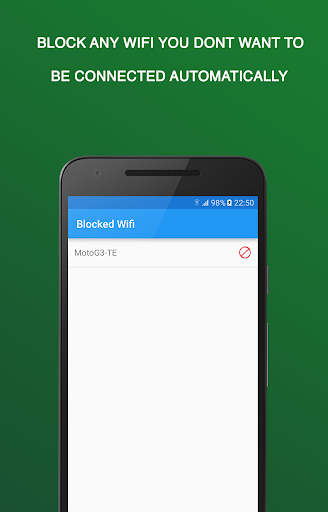
An optional auto-connect feature can connect to available open or shared networks when they are in range. You can save favourite networks, block ones you do not want to join, and review network details and connection history. The app also provides a way to assess networks using information such as encryption and signal strength. That can help you notice differences between networks, but it is not a guarantee that a public connection is safe.
Wi-Fi scanning and connection management require access to network-related functions on your phone. The developer also discloses that a third party, Placed, uses your current location for market research; the app says you can opt out. Before using it, consider whether that data use fits your preferences and review Mentisco’s privacy policy and Placed’s terms. If you do not want location used this way, check the opt-out option before relying on the app.
Wifi Scout and Connect may suit someone who regularly looks for public or shared Wi-Fi and wants to keep a record of networks. If you connect only to a few trusted networks, your phone’s built-in Wi-Fi settings may be enough. The listing shows a 4.1 rating from about 178,745 ratings and more than 10 million installs. Those figures indicate broad use, but they do not tell you whether its data practices or features are right for you.