Control or help with another device
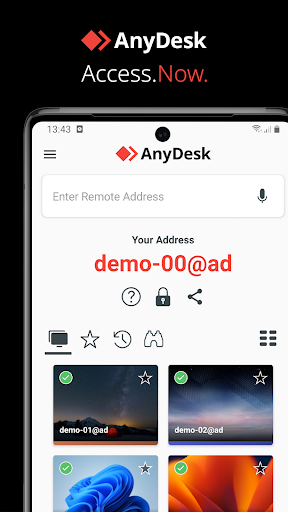
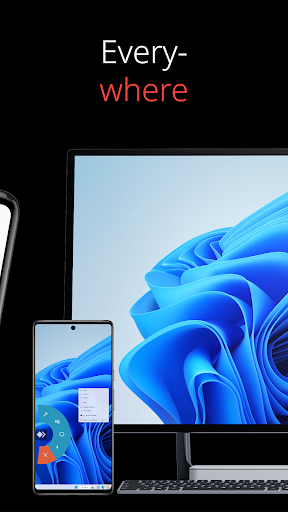
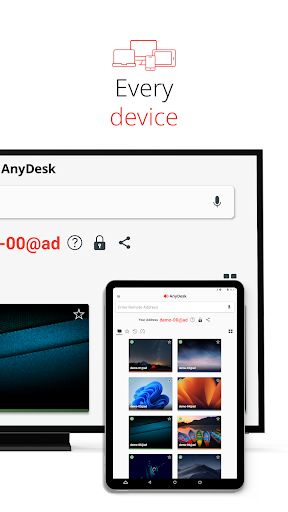
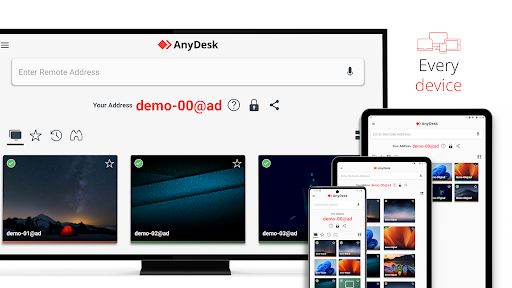
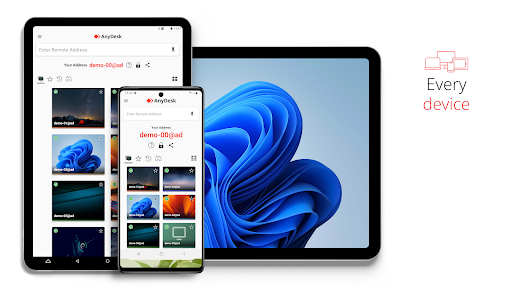
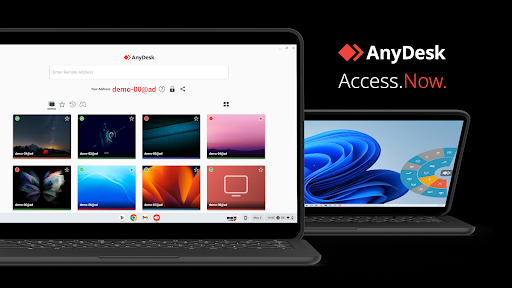
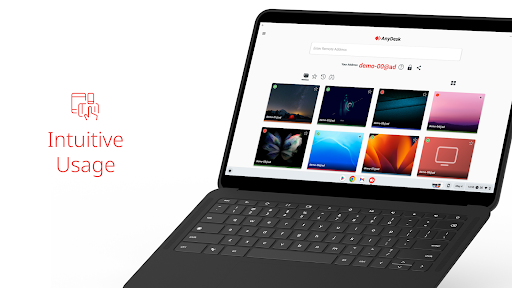
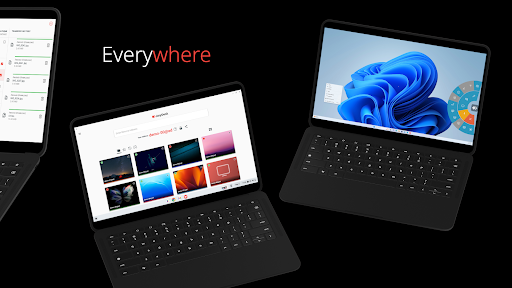
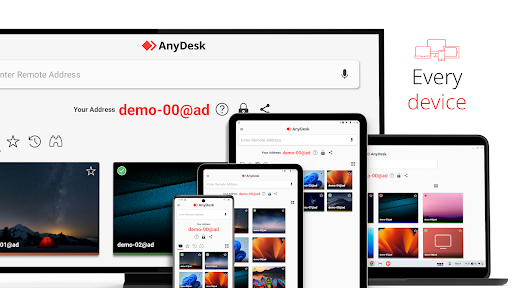
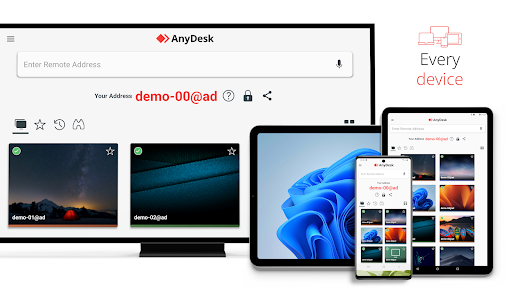
AnyDesk Remote Desktop lets you connect from an Android phone or tablet to another device, view its screen and interact with it remotely. It may suit IT support staff, people helping someone troubleshoot a device, or users who need access to a computer while away from it. The other device needs to be running AnyDesk, and remote access should be agreed with the person who controls it.
What the connection can do
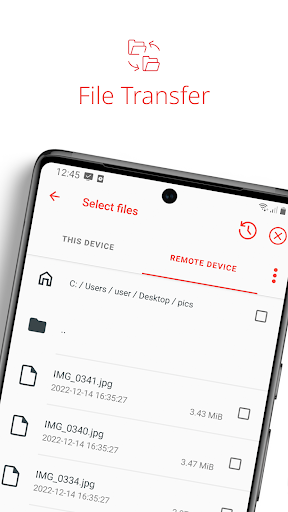
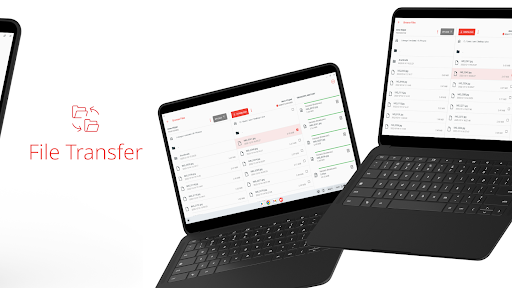
Alongside remote screen access, AnyDesk lists file transfer and remote printing among its functions. It also offers a VPN feature for a private connection between the two connected devices. That VPN does not provide access to either device’s wider local network, according to the supplied details. Think about what you need to do remotely before deciding whether these tools are useful to you.
Consider the access involved
A remote desktop app is more consequential than a simple viewer: a connection can expose another device’s screen and allow actions on it. Before connecting, make sure you recognise the other device and understand what access is being requested. Be equally careful when someone asks to connect to your own device. You can ask whether a call or written instructions would solve the problem without remote access.
Who is behind it, and how widely is it used?
The developer is AnyDesk Software GmbH. The app is listed in the Business category and has more than 100 million installs. Its rating is 2.76 out of 5 from 133,629 ratings, a mixed signal worth weighing alongside your own needs. A large install count shows reach, not that the app is right for every user. Consider whether you expect to use remote access often enough to justify keeping it on your phone.