Work access managed by your organisation
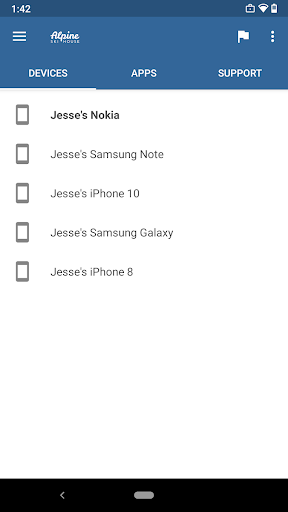
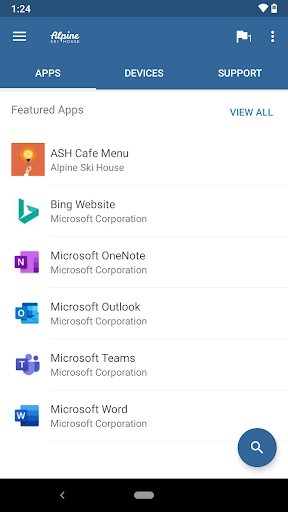
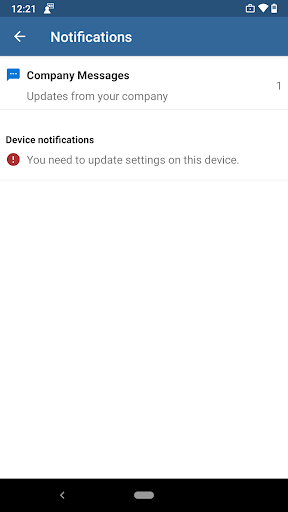
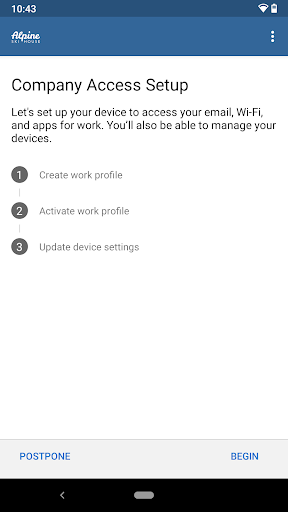
Intune Company Portal is a business app for people whose employer or organisation uses Microsoft Intune. It provides a place to register a device for work access, find company-provided apps, and check which devices are connected to the work account. It is not useful as a standalone way to find apps or services: your organisation needs to use Intune, and its IT team must set up your account.
What it lets you manage
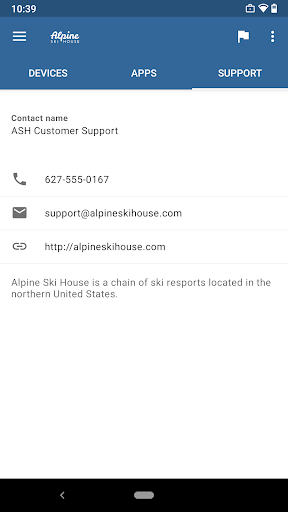
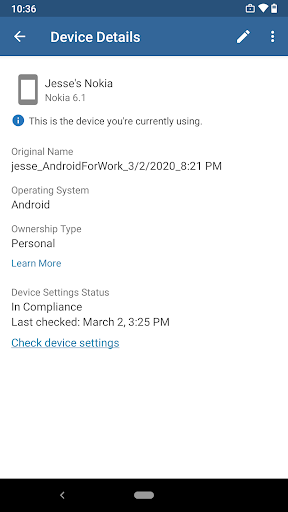
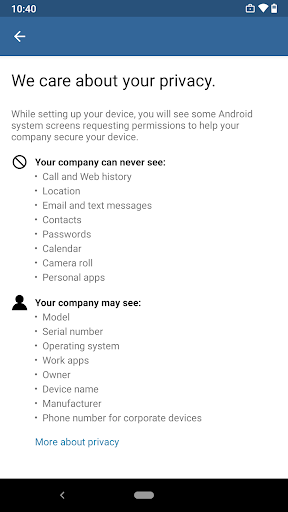
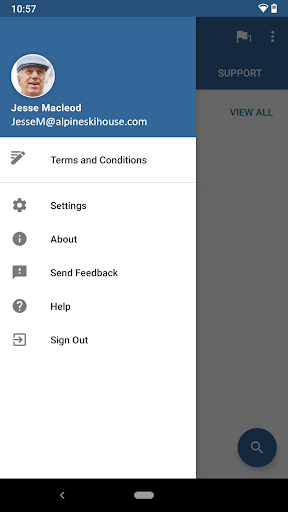
Depending on how your organisation has configured Intune, the portal can show enrolled devices and provide options to manage them. It can also show IT contact details, offer work-account password changes, and let you remove a device from management. Some options may not be available in every country or for every organisation. For questions about what your employer can see or how your account is handled, ask your IT department for its policy.
Consider the way out
Leaving the organisation’s device management may require you to unenroll the phone before removing the app. The available actions can include a remote wipe, so distinguish carefully between removing work access and erasing device data. If you are unsure what an option will do, check with your IT team before choosing it. The app’s usefulness and the practical steps for leaving are tied to your organisation’s Intune setup.
Who is behind it, and what users report
Microsoft Corporation is the developer. The listing is in the Business category and shows more than 50 million installs. Its rating is 2.56 from 188,904 ratings, a low score across a substantial number of reviews. That does not explain any individual problem, but it is worth weighing alongside the fact that your employer may require this app for work access.