Passwords and other private records in one place
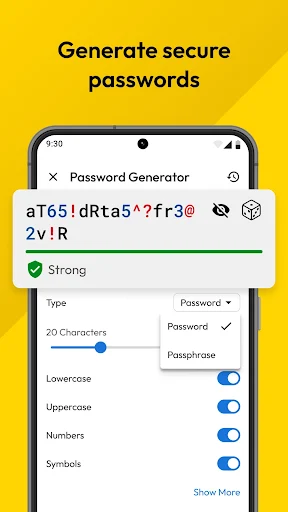
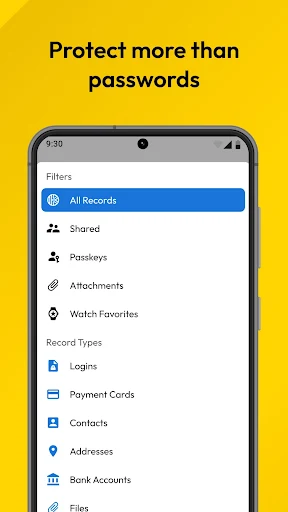
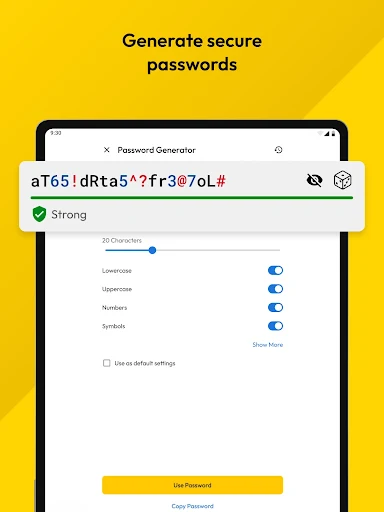
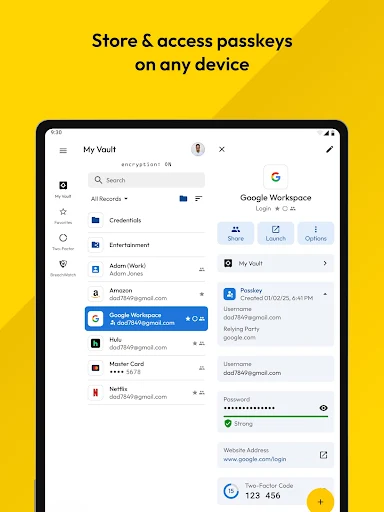
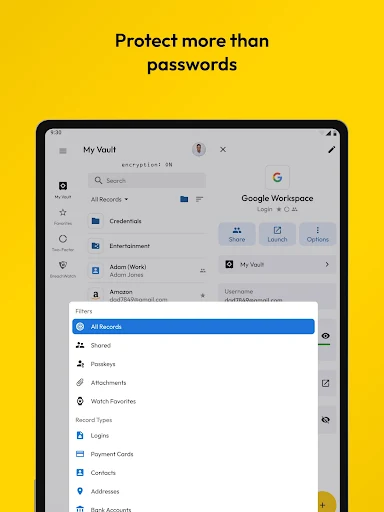
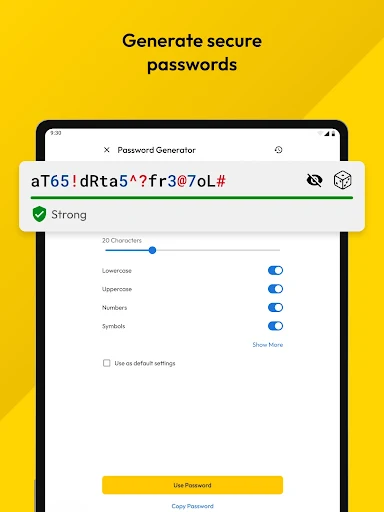
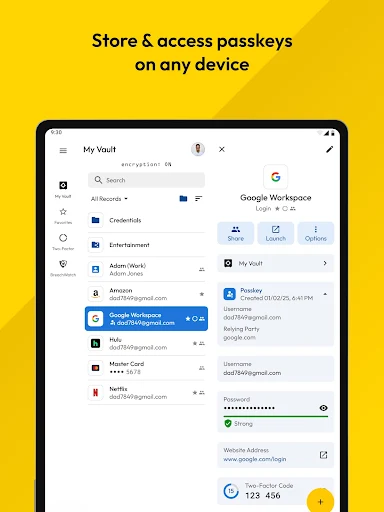
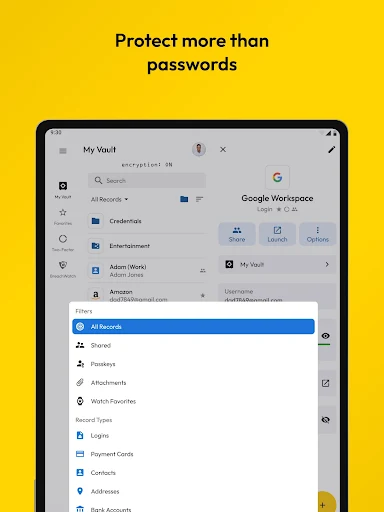
Keeper Password Manager is a productivity app for people who want to save login details, generate strong passwords and fill credentials in apps or websites. Its encrypted vault can also hold items such as payment cards, identity documents and secure notes. Keeper Security, Inc. is the developer. The listing shows a 4.67 rating from 111,843 reviews and more than 10 million installs.
What you would rely on it for
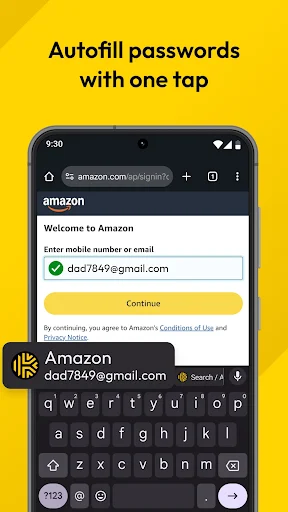
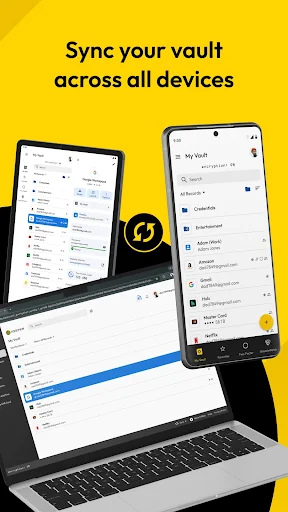
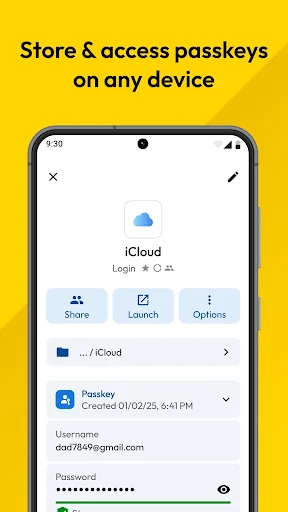
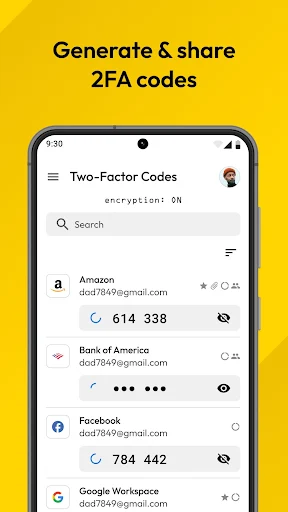
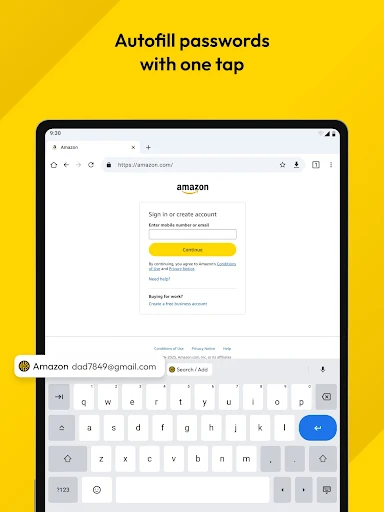
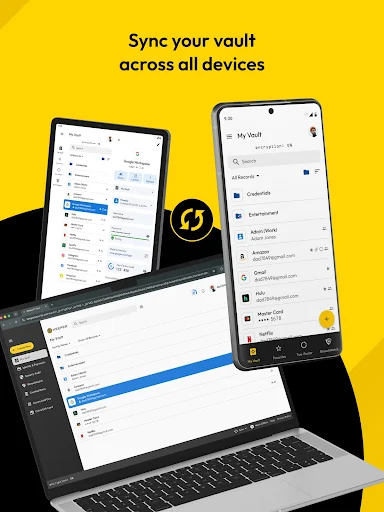
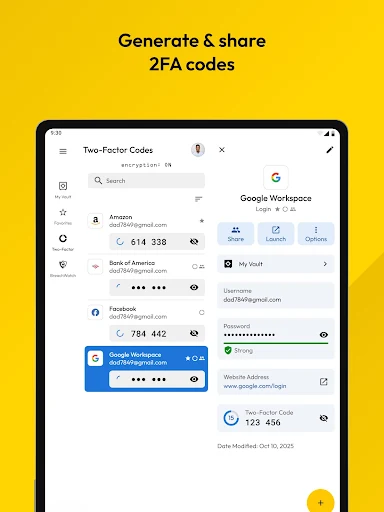
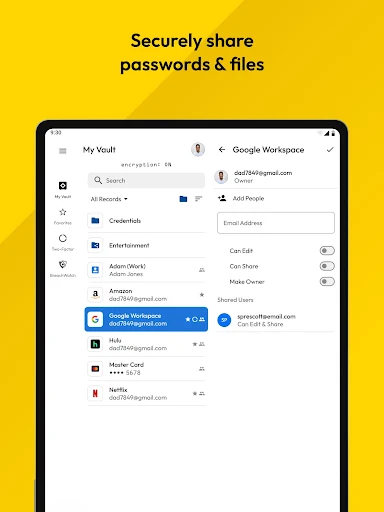
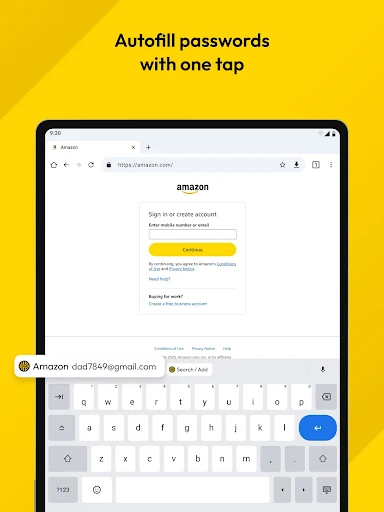
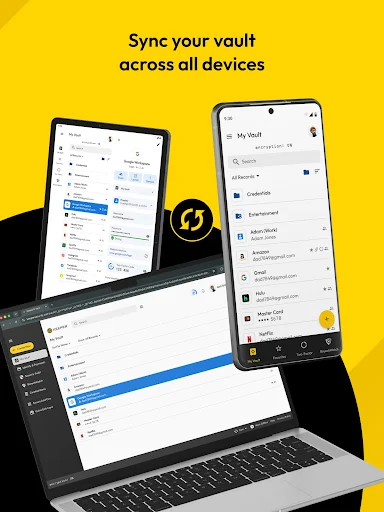
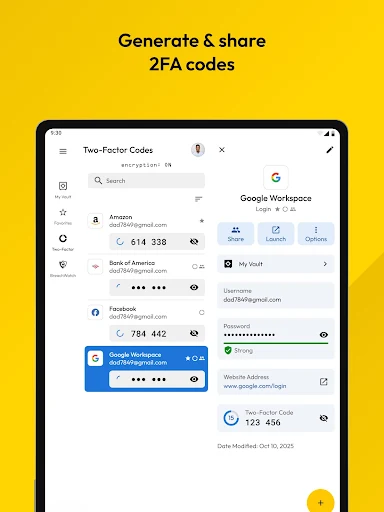
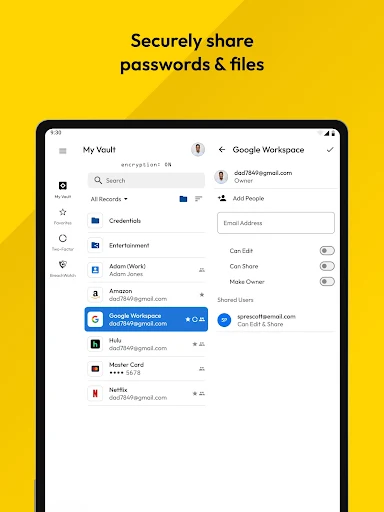
Keeper can autofill saved logins, store two-factor authentication codes and sync records across devices. It also supports biometric unlocking, such as fingerprint or face recognition, where available. These features may be useful if you have many accounts or want to keep sensitive records together, but they also make the vault an important place to protect: consider how you would regain access if you lost your phone or could not use your usual sign-in method.
Access and data questions
Keeper uses Android’s AccessibilityService for its KeeperFill autofill feature. That access is relevant to filling credentials in other apps and browsers, so decide whether you are comfortable enabling it and review the app’s permission requests. Keeper says records are encrypted on your device before reaching its servers. As with any cloud-synced vault, check the developer’s current privacy information to understand what account and device data is handled, and how syncing works.
Before choosing it
- Do you need a separate vault? If your phone or browser already saves passwords and that meets your needs, another manager may add little.
- Could you leave easily? Before relying on Keeper, check how to export your records and what happens to synced data if you close your account.
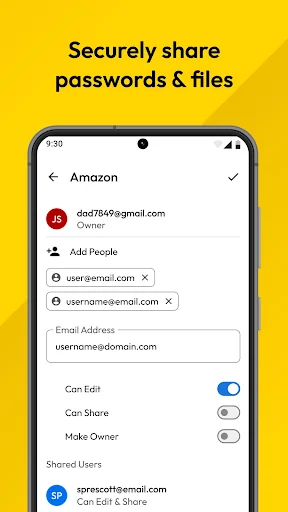
- Will you use the extras? Storing documents and authentication codes alongside passwords can be convenient, but it puts more of your private information in one service.