Turn paper into files you can use
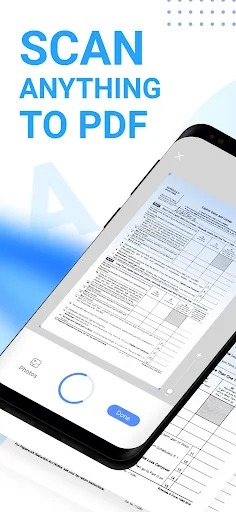
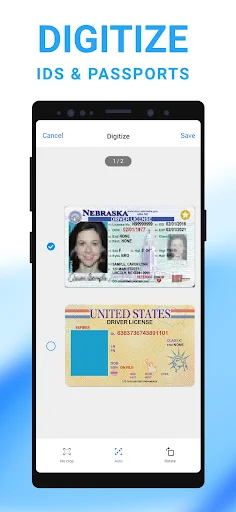
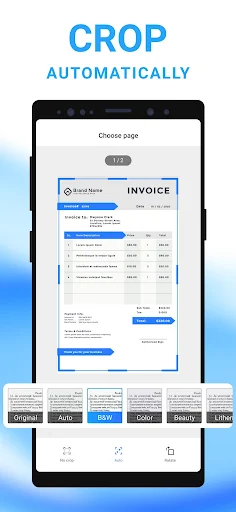
Mobile Scanner App - Scan PDF is a document-scanning tool for people who want to keep paper notes, receipts, forms, photos or book pages as digital files. It uses your phone’s camera to make PDF or image copies, with options to crop, rotate and adjust the result. Batch scanning can combine several pages into one PDF, which may be useful for a multi-page form or a set of receipts.
Check what you will actually use
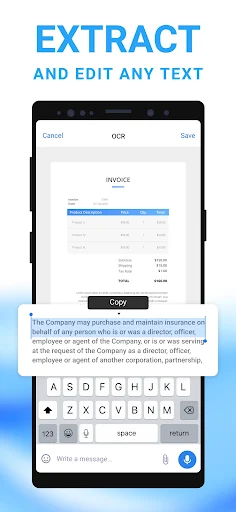
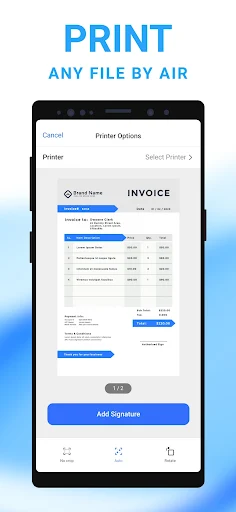
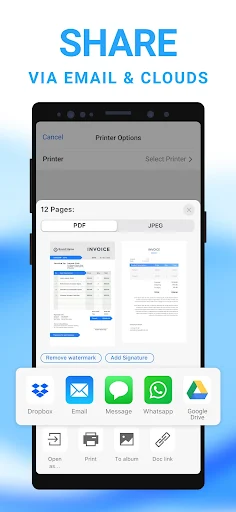
The app also offers text recognition (OCR), which can extract text from a scan and export it as editable text. Searchable PDFs are another option. These features can save retyping when the original is legible, but recognition results may need checking before you rely on them. You can sort documents into folders, reorder them, and share or print files. The app lists cloud services including Google Drive, Dropbox and OneDrive as sharing destinations.
Consider the documents involved
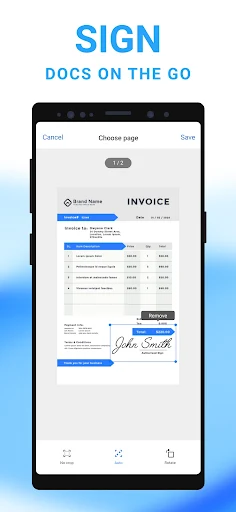
Scans can contain addresses, signatures, financial details or other information you would not want to share casually. The app describes password protection for documents and folders; consider whether that suits your needs and check the app’s current privacy information before storing sensitive material. It is also worth asking whether camera scanning and OCR will be useful often enough to justify another app on your phone, or whether your existing tools already cover those jobs.
Who is behind it
Mobile Scanner App - Scan PDF is listed in Productivity and is published by Glority Global Group Ltd. Its Google Play listing shows a 4.62 rating from about 110,052 ratings and 10,000,000+ installs. Those figures suggest broad use, but they cannot tell you whether its document handling or privacy approach is right for you. Take a moment to review the requested access and the developer’s information before deciding.